




As a new parent to the school, you will receive your registration details by email before term begins. For any questions or support using the Parent Portal, please email parents@sedberghschool.org
https://sedbergh.parents.isamshosting.cloud/
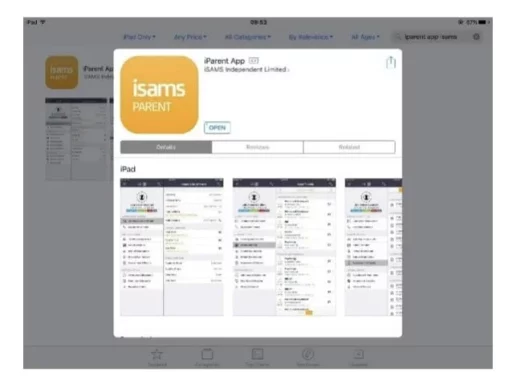
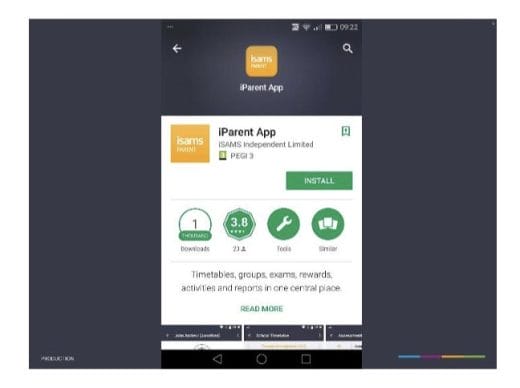
PARENT PORTAL – ISAMS APP (ANDROID & IOS)
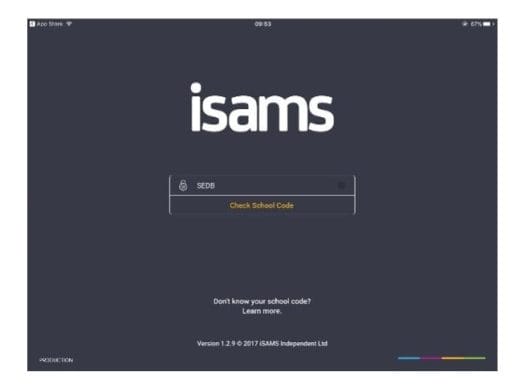
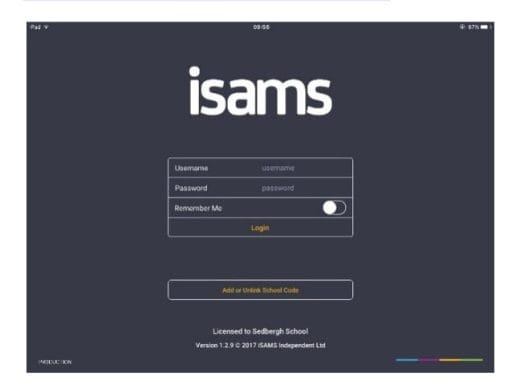
When you have downloaded the app it will ask you for a school code which is SEDB. You can then login using your Username and Password which you created during the registration process on the Parent Portal.